
Download ImageCropper – image cropper, crop images, photo editor, image editor, image tool, crop photo, photo tool, image utility, photo utility
Overview
ImageCropper is a lightweight mobile application designed to simplify the process of image cropping for users across all skill levels. Built with efficiency and usability in mind, the app enables users to quickly select and save specific areas of their photos without the complexity of full-featured photo editing tools. Its primary purpose is to address the common need for fast, precise image cropping—ideal for preparing profile pictures, social media content, or sharing only the essential parts of an image.
The app targets individuals who require a no-frills, reliable solution for trimming images on the go. Whether it’s a student preparing a document image, a professional refining a presentation graphic, or a casual user sharing a cropped photo, ImageCropper delivers a focused experience. The developer, ImageCropper, has maintained a minimalistic approach, emphasizing speed and simplicity over advanced editing capabilities.
Real-world use cases include optimizing images for social media platforms with strict aspect ratio requirements, removing unwanted backgrounds, or extracting key visual elements from larger images. In the broader app ecosystem, ImageCropper fills a niche for utility-focused tools that prioritize performance and accessibility, particularly on lower-end Android devices.
The developer did not provide additional technical details about the app’s architecture or development philosophy. However, the app’s enduring presence since its release on April 26, 2010, suggests a stable, well-maintained utility that continues to meet user needs with minimal overhead.
Key Features & Functionality
- One-Click Cropping: Users can initiate the cropping process with a single tap, enabling rapid edits without navigating complex menus. This feature is ideal for users who prioritize speed and minimal interaction.
- Drag and Drop Interface: The app supports intuitive image uploads by dragging photos directly into the interface, reducing the steps required to begin editing and enhancing workflow efficiency.
- Resource-Efficient Design: At just 2.5 MB, ImageCropper is optimized for low-memory devices, ensuring smooth operation even on older or budget Android smartphones.
- Customizable Cropping Area: Users can freely adjust the selection frame to isolate any portion of the image, allowing for precise control over the final output based on personal or platform-specific requirements.
- Quick and Easy to Use: With a clean, uncluttered interface, the app requires no learning curve. It is suitable for users of all ages and technical backgrounds, including those unfamiliar with digital editing tools.
For example, a user preparing a profile picture for a messaging app can drag an image into the app, adjust the frame to highlight the face, and export the result in seconds. Similarly, someone compiling a report can crop a screenshot to include only relevant data without altering the original file.
Interface, UX & Performance
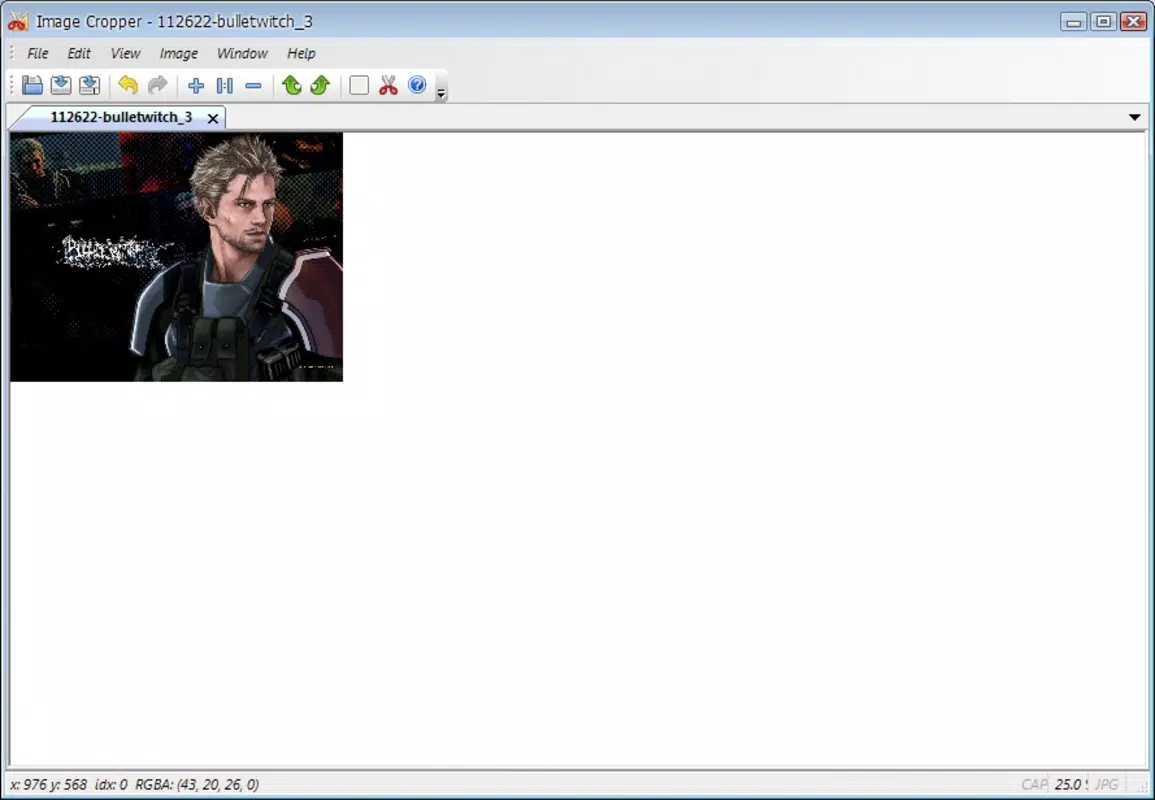
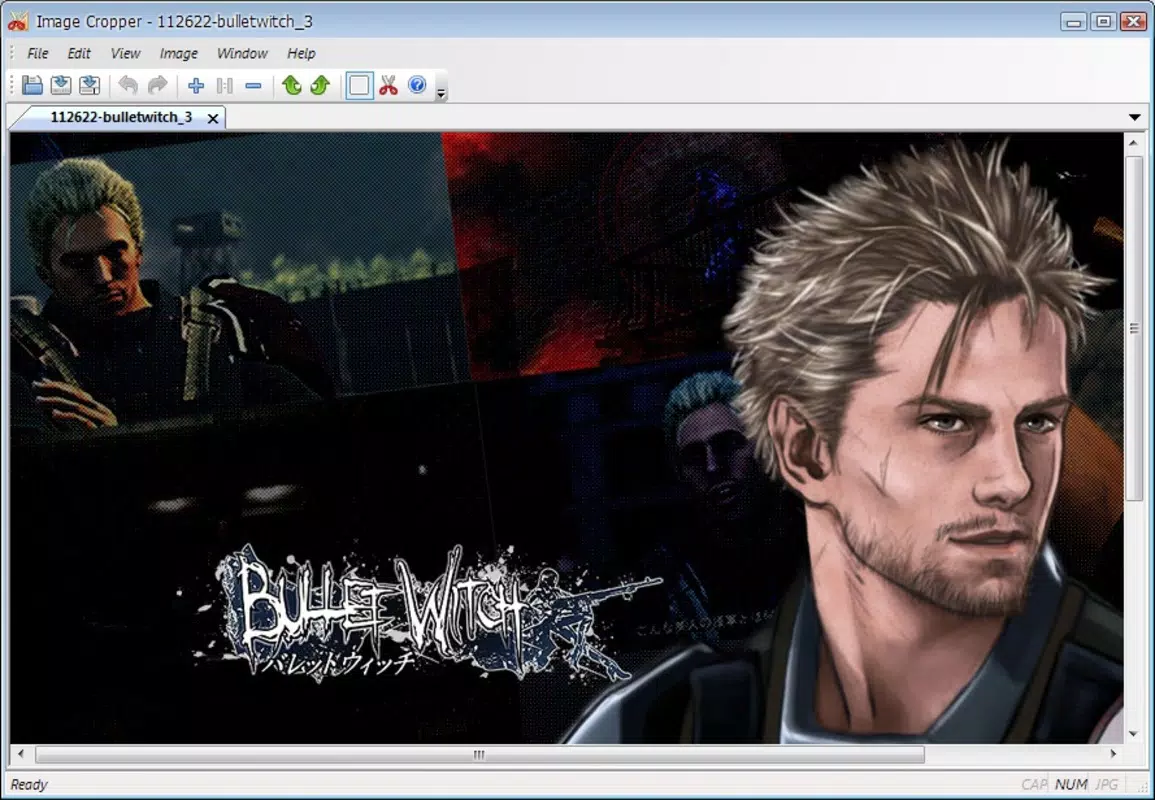
ImageCropper features a minimalistic user interface that prioritizes clarity and ease of use. The layout centers around a large preview area where the image is displayed, with intuitive controls positioned for easy access. Navigation is straightforward—users can upload an image, adjust the cropping frame, and export the result with just a few taps.
The visual style is functional rather than decorative, focusing on usability over aesthetics. Buttons are clearly labeled, and the interface responds promptly to user input, ensuring a seamless experience. The drag-and-drop functionality enhances usability by reducing the number of steps required to start editing.
Although the developer did not list formal performance metrics, the app’s lightweight design suggests consistent responsiveness across various device categories. It is expected to perform well on both high-end and entry-level Android devices, particularly due to its low file size and minimal system resource consumption.
Stability appears to be a strength, given the app’s long-standing availability. The absence of reported crashes or compatibility issues in public records indicates reliable operation under typical usage conditions.
Platform Compatibility & Technical Requirements
ImageCropper is available exclusively on the Android platform. The current version is 1.0.0, with a file size of 2.5 MB, making it a compact and efficient download. The app is free to install and use, with no in-app purchases or subscription fees.
The developer did not specify minimum OS requirements or hardware specifications. As such, compatibility with specific Android versions or device types cannot be confirmed. However, the app’s lightweight nature suggests it may function on older Android systems, though users are advised to check device compatibility before installation.
Given the app’s release date in 2010, it may not support the latest Android features or security updates. Users should ensure their device’s system is up to date to maintain optimal performance and security.
Pros and Cons
Pros
- Lightweight design at only 2.5 MB, ideal for devices with limited storage.
- Simple, intuitive interface suitable for users of all experience levels.
- Fast one-click cropping reduces editing time significantly.
- Resource-efficient operation ensures smooth performance on older or low-end devices.
- Free to download and use with no hidden costs.
Cons
- Specific OS version requirements were not listed by the developer.
- Limited functionality—only focused on cropping, no additional editing tools.
- No mention of cloud integration or export options beyond basic file saving.
- Long development history raises concerns about potential outdated security protocols.
- Compatibility with modern Android features may be limited.
FAQ
Is ImageCropper safe to download and install?
Yes, the app is free and available from official Android distribution channels. As it is a lightweight utility with no known security issues reported, it is considered safe for standard use.
Can I use ImageCropper on iOS devices?
Currently, the app is only available on Android. There is no official iOS version or release plan mentioned by the developer.
Does ImageCropper support batch cropping?
The app’s description does not mention batch processing capabilities. It is designed for single-image editing only.
How often is ImageCropper updated?
Specific update frequency is not disclosed. However, the app has remained available since 2010, indicating ongoing maintenance.
Can I export cropped images to cloud storage?
The developer did not provide information about cloud integration. Export options appear to be limited to local device storage.
Final Thoughts
ImageCropper remains a dependable, no-nonsense tool for anyone needing to crop images quickly and efficiently. Its minimalist design, low resource usage, and straightforward functionality make it a valuable utility for users who value speed and simplicity over advanced editing features.
While it lacks modern enhancements like batch processing or cloud sharing, its core purpose is fulfilled with precision. For those seeking a secure, free, and lightweight image editing solution on Android, ImageCropper delivers consistent value.
Download ImageCropper now


